The short version
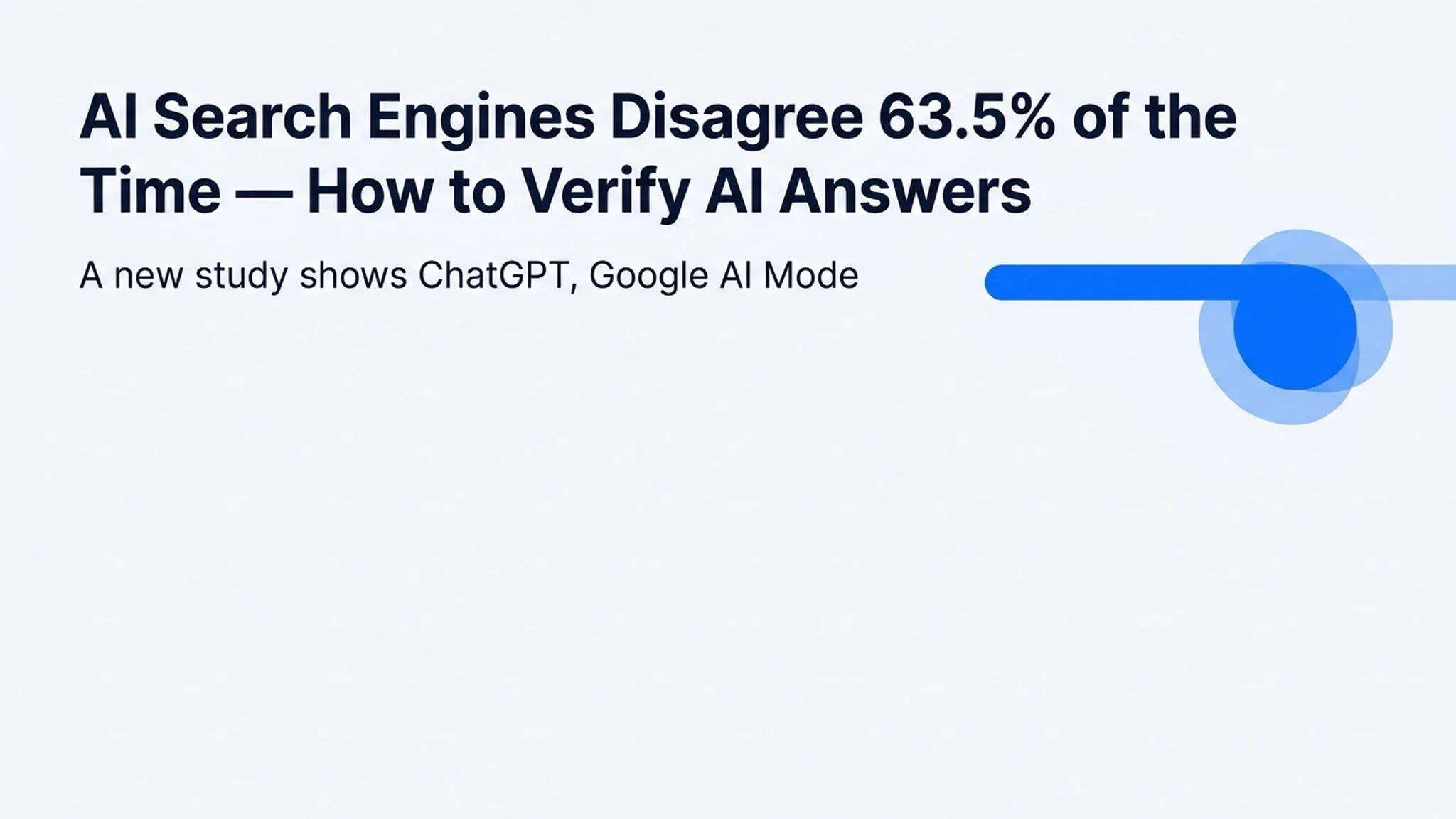
Ask ChatGPT, Google AI Mode, and Microsoft Copilot the same question and you will often get different answers. A study published on August 18, 2026 by The Optimisers found that in 63.5% of 211 matched queries, the three AI search engines disagreed on the first brand they named — and ChatGPT's answers changed for 85.6% of queries when personalization memory was switched off. The practical takeaway: treat any single AI answer as a starting point, not a fact, and verify before you rely on it.
What the August 2026 study found
The Optimisers ran 211 matched queries across ChatGPT, Google AI Mode, and Microsoft Copilot and compared the first brand each engine named:
Measurement | Result |
|---|---|
Queries where the three engines disagreed on the first-named brand | 63.5% |
Answers that changed when ChatGPT personalization memory was off (Temporary Chat) | 85.6% |
Power-company answers still naming a discontinued brand (Frank Energy) | 34.8% |
In one example, the same KiwiSaver query named Kernel first in ChatGPT, Milford in Google AI Mode, and Simplicity in Copilot — three different "best" answers for one question. The discontinued-brand finding matters too: AI systems still cite outdated third-party data, which is exactly why a confident-sounding answer can quietly be wrong.
Why AI search answers differ
The divergence is not a bug — it is the product of each engine's design:
- Different indexes. Each platform builds its own search index and retrieval stack. A French consultancy (via Search Engine Journal) found OpenAI's index kept only a page's title and roughly 200 characters of content for many free-account answers — a very different basis than Google's full-page crawl.
- Personalization memory. ChatGPT's answers shifted 85.6% of the time when memory was turned off. If you asked from a personal context, the engine folds your history into the answer.
- Freshness and ranking logic. Engines weight new sources and commercial ranking factors differently, so the "best" pick changes by platform and by week.
How to verify AI search answers
A short workflow that takes under a minute per question:
- Cross-check two or more engines. Ask the same question in ChatGPT, Google AI Mode, and Copilot (or any second tool you trust). Where they agree, the answer is robust; where they diverge, dig deeper.
- Turn personalization off. Use ChatGPT's Temporary Chat, incognito mode, or the equivalent setting so the answer reflects the general web, not your history.
- Open the cited sources. Click through to the links the engine names and check the publication date and the publisher. A fresh, primary source beats a recycled summary.
- Search the exact claim. Run the core claim as a literal query to find the original announcement or data — especially for numbers, prices, and product names.
- Watch for stale data. If an answer names a brand or product you think no longer exists, verify it directly before acting.
For research-heavy tasks, tools that surface sources alongside answers — like Glarity's multi-model chat and search view — make steps 1-3 take seconds instead of minutes.
What this means for you
AI search is powerful but not uniform. For casual questions, the differences rarely matter. For money, health, work, or anything you will act on, a single AI answer is a hypothesis — triangulate it with a second engine and a primary source, and you get the real benefit of AI search without its blind spots.
FAQ
Which AI search engine is most accurate?
No engine won the comparison — they disagreed 63.5% of the time, and accuracy depends on the question, the recency of the data, and your personalization settings. Match the engine to the task and verify important answers rather than picking a permanent "winner".
Why do ChatGPT and Google AI Mode give different answers?
Each engine uses a different index, retrieval logic, freshness weighting, and level of personalization. The same query can therefore rank different sources first — as the 63.5% divergence rate shows.
How do I turn off personalization in ChatGPT?
Open a Temporary Chat from the chat window's menu (or use a fresh incognito session in other engines). That removes your memory from the conversation, which changed answers in 85.6% of the study's queries.
By the Glarity Editorial Team. The Glarity Editorial Team writes about AI search, video summarization, and getting more from your browser.