The Google Translate extension no longer translates whole pages. Google moved that job into Chrome itself, and the extension now does one smaller thing: translate the text you highlight or right-click. Millions of people noticed the moment their "translate this page" button changed behaviour — which is why an independent software-research index has just published a ten-option comparison of what to use instead, and put Glarity at the top of it.
That page, "10 Best Google Translate extension Alternatives in 2026" (reviewed September 2026), describes Glarity as a full replacement and answers its own FAQ question with a flat "Glarity is the strongest alternative." Below: what actually changed, what that index found across all ten options, and how to choose one for the way you read.
Disclosure up front: Glarity is our extension. The ranking is AlternativesIndex's, not ours. We link it directly so you can read their method and disagree with it.
What actually changed with the Google Translate extension
Google's own Chrome Web Store listing is blunt about it. The description now states that page translation "is now supported natively in Chrome browsers" and is "no longer supported in the Google Translate extension." What remains is the highlight-or-right-click workflow, with an option to fire the translation automatically each time you highlight text.
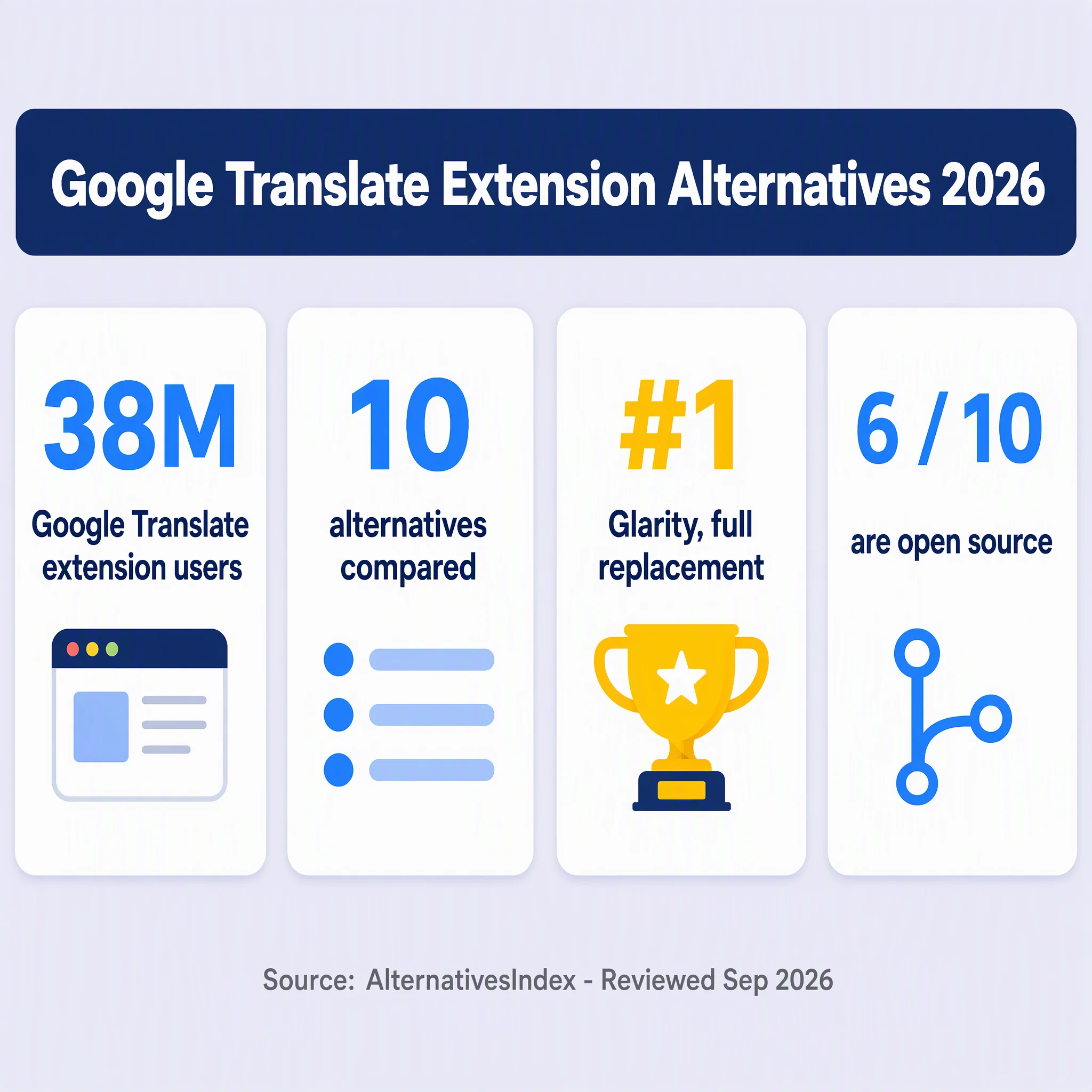
Nothing else about the extension shrank. The listing still reports 38,000,000 users and a 4.2/5 rating from 44,800 ratings, at version 2.0.17, last updated July 2, 2026, published by Google Ireland, Ltd. That installed base is exactly why the change was so visible: a button millions of people relied on stopped doing the thing they relied on it for.
If all you need is a paragraph translated, nothing is broken. Chrome handles full pages natively, and you can enable the translate prompt in Chrome's language settings. The gaps open around the edges — keeping the original next to the translation, translating a PDF, translating text inside an image, and translating subtitles.
The 2026 landscape: what an independent index compared
AlternativesIndex presents itself as independent software research, reporting "1,297 alternatives across 140 products" compared on price, licensing, hosting, and migration effort. It states "Paid placements: 0" and that "no affiliate link changes the order" — worth noting, because paid ranking is the standard failure mode of comparison sites.
Its Google Translate extension page compares ten replacements on overlap rating, substitutability, free-tier availability, starting price, self-hosting, open source status, and migration effort. Its summary of the field: 6 open source, 1 self-hostable, 9 with a free tier.
The 10 alternatives at a glance
# | Option | Rating | Substitutability | Free tier | Starting price | Open source |
|---|---|---|---|---|---|---|
1 | Glarity | ★★★★★ | Full replacement | Yes | Free; optional paid membership | Yes |
2 | Immersive Translate | ★★★★★ | Full replacement | Yes | Free; Pro price not published | No |
3 | Linguist | ★★★★★ | Full replacement | Yes | Free | Yes |
4 | TWP — Translate Web Pages | ★★★★ | Mostly replaces | Yes | Free | Yes |
5 | Simple Translate | ★★★★ | Mostly replaces | Yes | Free | Yes |
6 | DeepL for Chrome | ★★★★ | Mostly replaces | No | €7.49/month, billed annually | No |
7 | MouseTooltip Translator | ★★★★ | Mostly replaces | Yes | Free | Yes |
8 | Trancy | ★★★ | Partial replacement | Yes | Free; Premium price not published | No |
9 | LingQ | ★★ | Narrow overlap | Yes | Free tier; paid prices not published | No |
10 | LibreTranslate | ★★ | Narrow overlap | Yes | $14/month managed; free self-hosted | Yes |
Ratings, substitutability labels, and prices above are AlternativesIndex's, not ours. "Free tier" here means a usable free tier, not free forever at any volume.
Three clusters fall out of that table. Full replacements — Glarity, Immersive Translate, Linguist — cover both whole pages and selected text. Partial replacements — TWP, Simple Translate, MouseTooltip, Trancy — generally do one of the two well, or add a particular trick like bilingual subtitles. And two entries aren't really page translators at all: LingQ is a reading environment for language learners, and LibreTranslate is a translation engine you can run yourself or pay to have managed.
Why Glarity came out on top
AlternativesIndex records Glarity as a full replacement, free with an optional paid membership, open source, and easy to migrate to. Since it is our extension, here is what the product actually does — check it against your own needs rather than taking a ranking's word for it:
- Full-page translation that keeps the original in place. Rather than replacing the page text, Glarity shows the translation alongside the source, which is the more useful view when you are reading to understand rather than to skim.
- Selected-text translation on ordinary pages and inside PDFs.
- Image translation, for text baked into screenshots and graphics.
- YouTube subtitle generation and translation, for videos that ship without captions in your language.
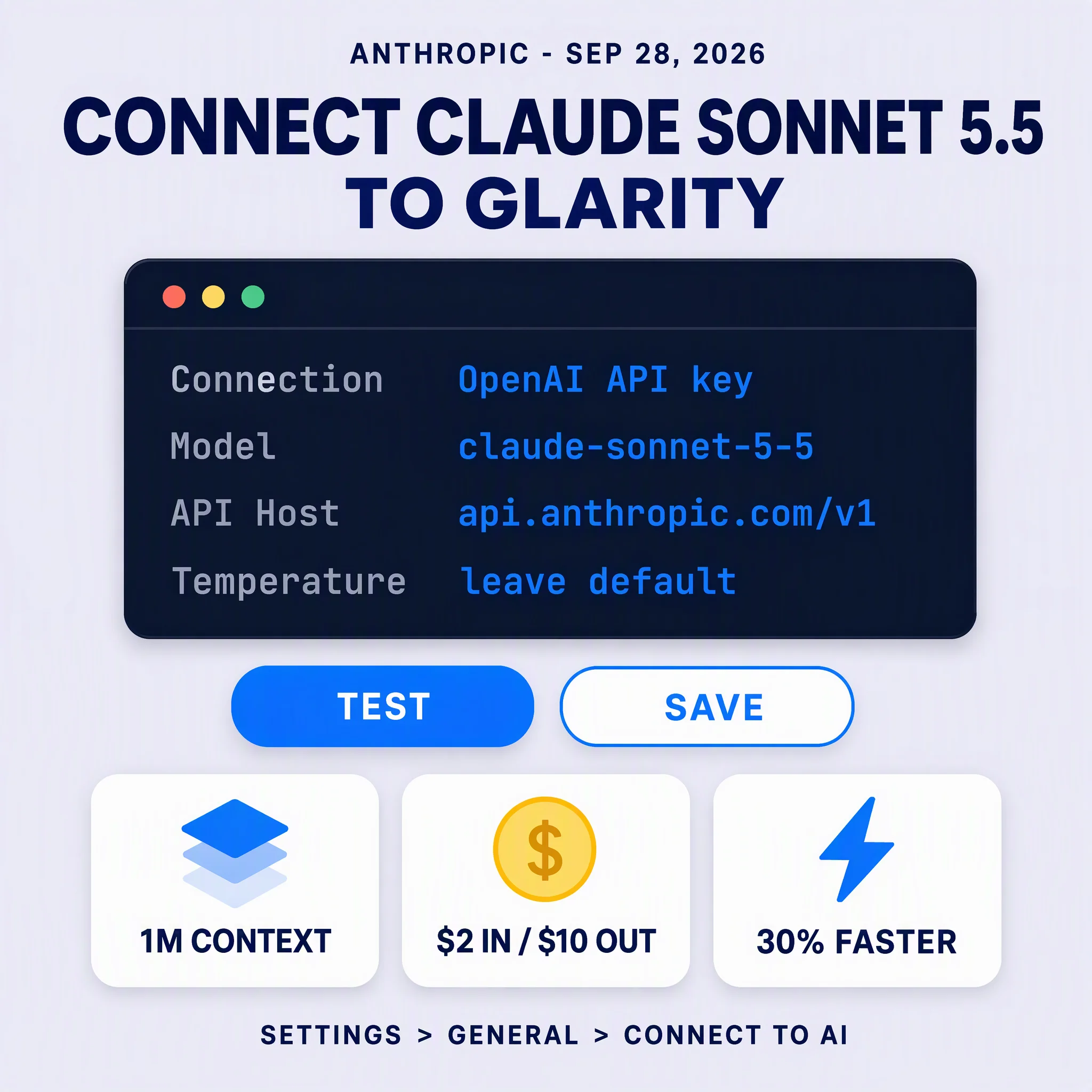
- Your own model key, optionally. Glarity can be pointed at an OpenAI-compatible endpoint — the index flags the exposed API host, path, key, and model fields — so if you already pay for a model API, you are not adding a second subscription.
- Five browsers — Chrome, Edge, Safari, Firefox, and Opera — free to use and ad-free, with an optional paid membership (the Plus Plan, currently in a testing phase).
Glarity is open source under GPL-3.0, and the repository is public at github.com/sparticleinc/chatgpt-google-summary-extension. If you want to see the side-by-side reading view before installing anything, our side-by-side translation page shows what it looks like.
How to choose one for yourself
Decide whether you need pages or paragraphs. If you translate the occasional sentence, the Google extension plus Chrome's native page translation is still a good combination — and it's already installed. The alternatives above earn their place when translation becomes a reading habit rather than an occasional errand.
Ask what "full page" actually means. Some extensions swap the page text out; others keep the original and the translation together. If you are learning a language, or checking a translation's accuracy, the mirrored view is the one that helps. This is roughly what the index is drawing with its substitutability column.
Check the free tier honestly. Nine of the ten options have one; DeepL for Chrome is the exception at €7.49/month billed annually. But a free tier that caps pages per day is a different product from an uncapped one, and the caps are usually not on the pricing page.
Think about where your text goes. Google's own disclosure for its extension lists Location, User activity, and Website content. If you translate contracts, medical material, or internal documents, prefer something you can self-host or point at your own API key — that is the practical reason LibreTranslate and the bring-your-own-key option exist at all.
FAQ
Does the Google Translate extension still translate whole pages? No. Google's listing states that page translation is now native to Chrome and "no longer supported in the Google Translate extension." The extension translates highlighted or right-clicked text.
What is the best Google Translate extension alternative? By AlternativesIndex's September 2026 comparison, Glarity ranks first and is described as "the strongest alternative." Immersive Translate and Linguist also earn full-replacement ratings. Which suits you depends on whether you want mirrored reading, PDF support, or self-hosting.
Is Glarity free? Yes — free to use and ad-free, with an optional paid membership. The Plus Plan is still in a testing phase, so treat its terms as provisional.
Is Glarity open source? Yes, under GPL-3.0, with the source public on GitHub.
Can I use my own API key? Yes. Glarity supports an OpenAI-compatible endpoint with your own key. Linguist, according to the index, can connect to ChatGPT, DeepL, Ollama, or LibreTranslate — including local options.
Isn't Chrome's built-in translation enough? Often, yes — and it costs nothing to try. It won't keep the original alongside the translation, doesn't handle PDFs or images, and gives you no say in which model produces the translation.
By the Glarity Editorial Team. The Glarity Editorial Team writes about AI search, video summarization, and getting more from your browser.