If you've come across Jev — sometimes described as a "TypeSafe AI" or "System One" style model — and wondered whether you can wire it into Glarity the way you can with a chat model like Grok or Gemini, the short answer is no. Jev isn't built to be a drop-in replacement for a conversational LLM. Here's what it actually is, and why that distinction matters.
What Jev actually does
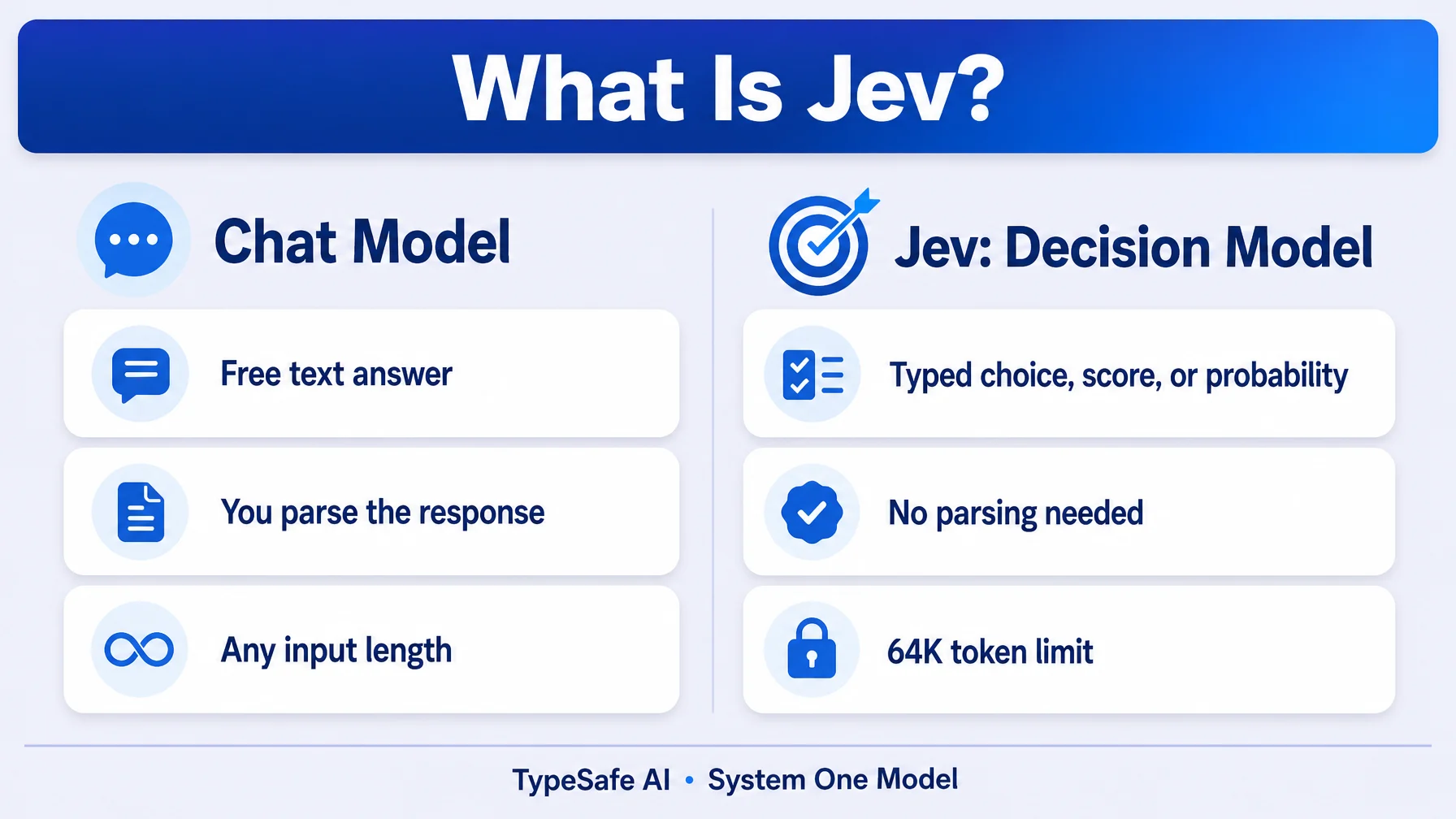
Jev is a typed-decision engine, not a general-purpose chat model. Instead of taking a free-form prompt and returning free-form text, it takes a structured state (a text description of a situation) and a question, and returns a typed output — a decision, a score, or a probability — rather than a paragraph of prose. The state and question together are capped at 32K tokens, with a 64K total budget across the exchange. There's no multi-turn conversation history the way a chat model maintains one; each call is a self-contained judgment on a snapshot of information.
Think of the difference this way: a chat model answers "what should I write here?" Jev answers "given this exact situation, what's the decision?" — and it answers with a value your code can act on directly (a score, a boolean, a ranked option) instead of text you'd have to parse.
Why it doesn't fit Glarity's Custom Model setting
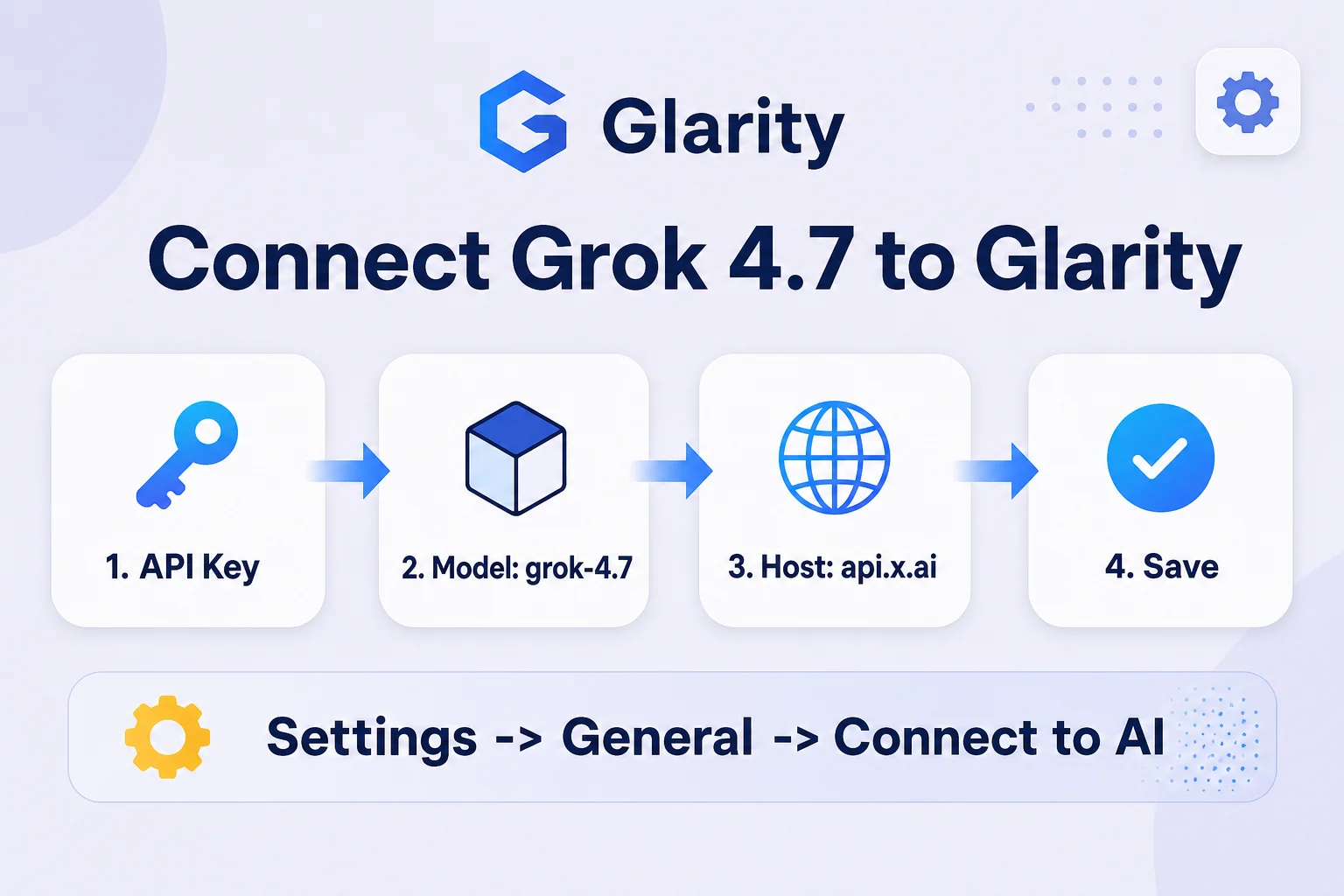
Glarity's Settings → General → Connect to AI panel is built around one shape: an OpenAI-compatible /chat/completions endpoint that accepts a system/user message array and returns a chat completion. Every model Glarity supports through Custom Model — including third-party ones connected via API key — speaks that protocol.
Jev doesn't. It's a typed-decision API, not a chat-completions API. There's no "system prompt" or "conversation" concept to map Glarity's translation, summarization, or email-reply features onto. Those features work by sending page or video content as a chat message and getting back a text response — a shape Jev's input/output contract doesn't produce. Even with valid credentials, there's no way to make Glarity's request format match what Jev expects to receive.
What this means if you're evaluating Jev
If you're looking at Jev for an actual use case — automated moderation decisions, risk scoring, structured triage — it's worth evaluating on its own terms as a decision-support component in a pipeline you control, not as a chat backend for a browser extension. If what you actually wanted was a fast, affordable model to power Glarity's everyday translation and summarization, a standard chat-completions model (Grok, Gemini 3.8 Flash, or similar) connected through Glarity's Custom Model setting is the right tool for that job.
FAQ
Can I use Jev for Glarity's page summarization or translation? No. Jev returns typed decisions (scores, booleans, probabilities), not the free-form text those features need, and it doesn't expose a chat-completions endpoint for Glarity to call.
Is Jev the same kind of thing as an LLM? It's built on similar underlying techniques but exposed differently — narrow, structured input/output for decisions rather than open-ended text generation.
What's the token limit? State and question together are capped at 32K tokens, with a 64K total budget for the exchange.
What should I use in Glarity instead? Any OpenAI-compatible chat model — see Glarity's existing guides for connecting models like Grok or Gemini 3.8 Flash through the Custom Model setting.
By the Glarity Editorial Team. The Glarity Editorial Team writes about AI search, video summarization, and getting more from your browser.