MiMo-V2.6-Flash is Xiaomi's lower-cost, high-throughput sibling to MiMo-V2.6-Pro — same omni-modal input (text, image, video, audio), same 1M-token context and 128K max output, but priced for scaled, everyday use rather than the heaviest reasoning workloads. Glarity doesn't list MiMo as a named option, but its Settings panel has a "Custom Model" slot built for any OpenAI-compatible /chat/completions endpoint, and Xiaomi's API fits that shape. Setup takes about five minutes from Settings → General → Connect to AI.
Why MiMo-V2.6-Flash
If MiMo-V2.6-Pro is the flagship, Flash is the model you reach for when you're summarizing dozens of pages a day and don't want every request costing flagship rates. It keeps the same 1M-token context and multimodal input, plus deep thinking, tool calls, streaming, web search, structured output, and context caching — Xiaomi just tuned it for higher throughput at a fraction of Pro's per-token cost, which matters for an extension you might call on every page you visit.
What you need before you start
- An API key from the Xiaomi MiMo console
- The connection values below
Configure Glarity step by step
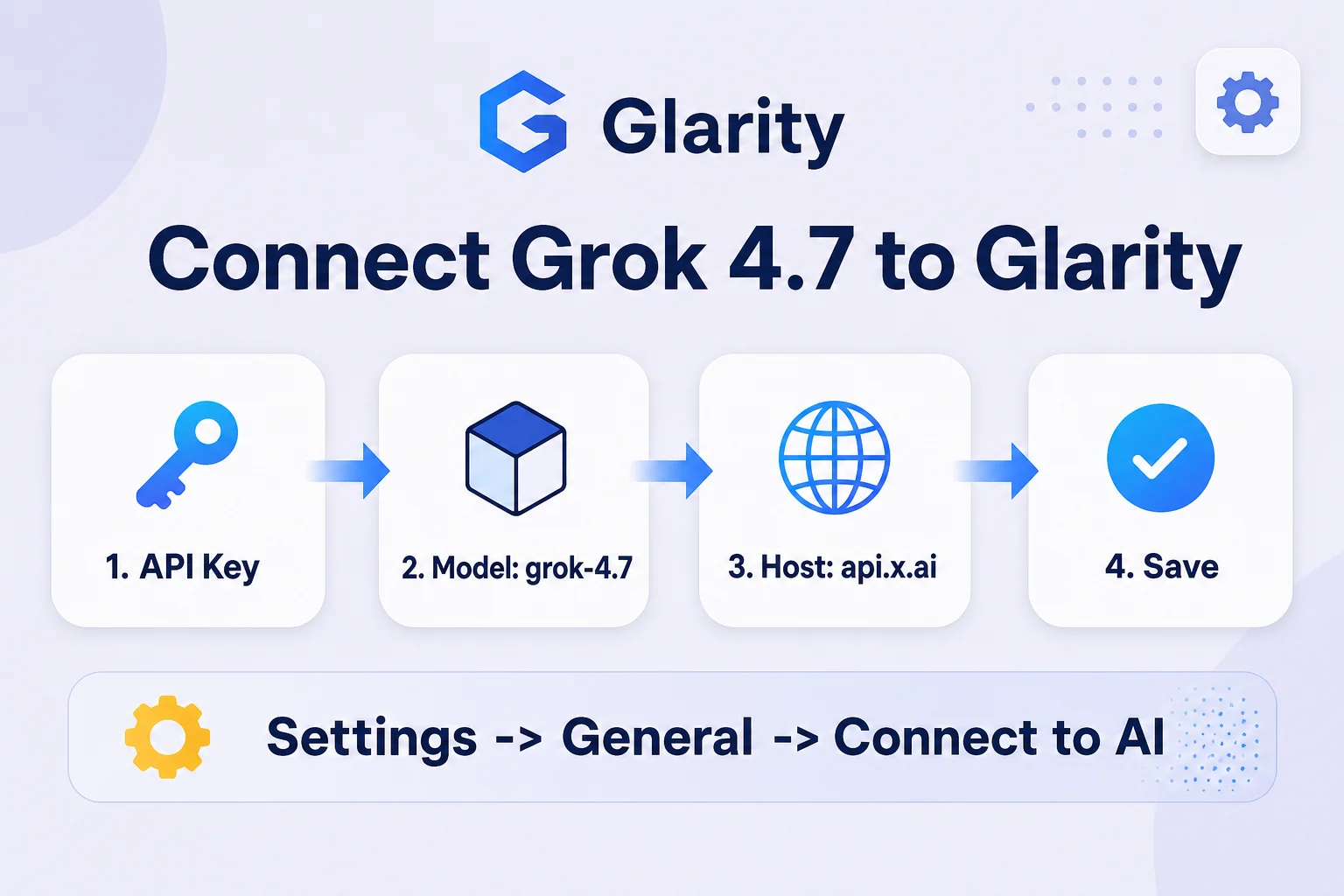
- Open the Glarity extension and go to Settings → General, then scroll to Connect to AI for quick Glarity summaries and translations.
- Set Connection type to OpenAI API key.
- Paste your Xiaomi key into API Key.
- Set Model to Custom Model and enter
mimo-v2.6-flash. - Set Model Context Window to the preset nearest 1,000,000.
- Set API Host to
https://api.xiaomimimo.com/v1. - Set API Path to
/chat/completions. - Set Temperature to 0.5 for general use (0.2 for literal summaries), click Test, confirm a response, then Save.
Settings at a glance
Field | Value | Meaning |
|---|---|---|
Connection type | OpenAI API key | MiMo's API speaks the OpenAI chat-completions format |
API Key | your Xiaomi MiMo key | Issued from the MiMo console |
Model | Custom Model → | Official model ID |
Model Context Window | ~1,000,000 | MiMo-V2.6-Flash's documented input limit |
API Host |
| Base URL from Xiaomi's API docs |
API Path |
| Standard OpenAI-compatible route |
Temperature | 0.5 (or 0.2) | Balance between natural phrasing and literal output |
Pricing
Per Xiaomi's official pricing page (updated September 22, 2026), overseas rates per 1M tokens are $0.0028 for cached input, $0.14 for uncached input, and $0.28 for output — roughly a third of Pro's uncached rate. Domestic pricing is ¥0.02 / ¥1 / ¥2 per 1M tokens. That makes Flash the more sensible default for routine page and video summaries; save Pro for tasks that genuinely need the deepest reasoning. Check Xiaomi's pricing page before committing, since rates on new models can change.
What a MiMo-Flash-powered Glarity can do
Capability | How it behaves now |
|---|---|
Translation | Translates page text or selections at low per-call cost |
Page summary | Condenses long articles, using the 1M-token window when needed |
YouTube summary | Summarizes video transcripts, including long uploads |
Video subtitles | Generates and translates subtitle text from transcript input |
Quick email reply | Drafts short replies from selected text |
One-click prompts | Runs saved custom prompts against Flash instead of the default model |
Troubleshooting
- 401 / unauthorized error — your API key is invalid or wasn't saved; re-paste it and click Test again before Save.
- "Model not found" — check that Model is set to Custom Model with the exact ID
mimo-v2.6-flash. - Requests fail on very long input — Flash's cap is 1M tokens in / 128K tokens out; trim input or split the page if you hit that ceiling.
- Responses feel shallow on hard questions — Flash trades reasoning depth for speed and cost; switch to MiMo-V2.6-Pro for tasks that need deeper analysis.
- Glarity still uses the old model — settings only take effect after Test succeeds and you click Save.
FAQ
Is MiMo-V2.6-Flash officially supported by Glarity? No — Glarity doesn't list MiMo as a built-in option. This guide connects it through Glarity's generic Custom Model setting, the same mechanism used for any OpenAI-compatible API.
How is Flash different from MiMo-V2.6-Pro? Both share the same 1M-token context and multimodal input, but Flash is tuned for higher throughput at a much lower per-token cost — about a third of Pro's uncached input rate and a third of its output rate.
Is Flash good enough for daily summarizing? Yes — for page and video summaries, translation, and subtitles, Flash's speed and cost make it the more practical default; reserve Pro for tasks that need its deeper reasoning.
What does it cost to run regularly? At $0.14 per 1M uncached input tokens and $0.28 per 1M output tokens, everyday summarizing costs a small fraction of what Pro would charge for the same volume.
Can I switch to Pro or UltraSpeed later? Yes — just change the Model field to mimo-v2.6-pro or mimo-v2.6-pro-ultraspeed and update the context window if needed; the host and path stay the same.
By the Glarity Editorial Team. The Glarity Editorial Team writes about AI search, video summarization, and getting more from your browser.
Glarity is a free browser extension for AI search and YouTube summarization — try it at glarity.app.