MiMo-V2.6-Pro is Xiaomi's flagship reasoning model: a trillion-parameter, omni-modal system that reads text, images, video, and audio, then answers in text with a 1M-token context window and up to 128K tokens of output. Glarity doesn't ship MiMo as a named option yet, but its Settings panel has a generic "Custom Model" slot built for exactly this: any vendor with an OpenAI-style /chat/completions endpoint. Pointing that slot at Xiaomi's API takes about five minutes, starting at Settings → General → Connect to AI.
Why MiMo-V2.6-Pro
Most models you'd plug into a browser extension only read text and static images. MiMo-V2.6-Pro's input side covers video and audio too, on top of a 1M-token context — useful if you're feeding it long transcripts, multi-page documents, or want deep-thinking mode on for harder reasoning tasks (Xiaomi's docs let you disable thinking per-request if you want faster, cheaper replies instead). It also supports tool calls, streaming, web search, structured output, and context caching, which matters for Glarity workflows that repeat the same system prompt across many pages.
What you need before you start
- An API key from the Xiaomi MiMo console (console.xiaomimimo.com or your regional MiMo dashboard)
- The connection values below
Configure Glarity step by step
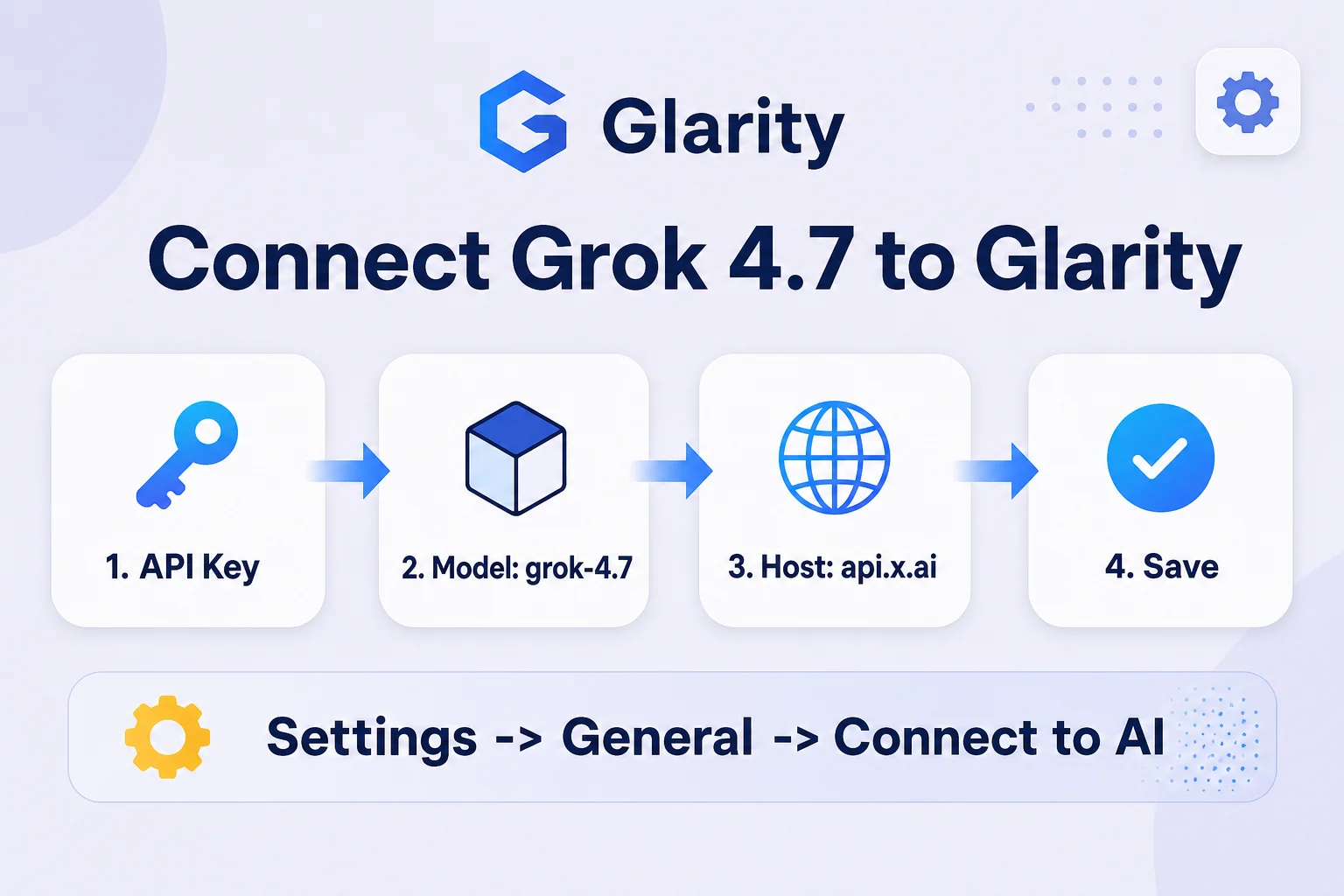
- Open the Glarity extension and go to Settings → General, then scroll to Connect to AI for quick Glarity summaries and translations.
- Set Connection type to OpenAI API key.
- Paste your Xiaomi key into API Key.
- Set Model to Custom Model and enter
mimo-v2.6-pro. - Set Model Context Window to the preset nearest 1,000,000 — MiMo's official context limit.
- Set API Host to
https://api.xiaomimimo.com/v1. - Set API Path to
/chat/completions. - Set Temperature to 0.5 for general use (drop to 0.2 if you want literal, low-variance summaries), then click Test, confirm you get a response, and Save.
Settings at a glance
Field | Value | Meaning |
|---|---|---|
Connection type | OpenAI API key | MiMo's API speaks the OpenAI chat-completions format |
API Key | your Xiaomi MiMo key | Issued from the MiMo console |
Model | Custom Model → | Official model ID |
Model Context Window | ~1,000,000 | MiMo-V2.6-Pro's documented input limit |
API Host |
| Base URL from Xiaomi's API docs |
API Path |
| Standard OpenAI-compatible route |
Temperature | 0.5 (or 0.2) | Balance between natural phrasing and literal output |
Pricing
Per Xiaomi's official pricing page (updated September 22, 2026), overseas rates per 1M tokens are $0.0036 for cached input, $0.435 for uncached input, and $0.87 for output. Domestic (mainland) pricing is ¥0.025 / ¥3 / ¥6 per 1M tokens for the same three tiers. Everyday Glarity use — summarizing a page or a video transcript — runs a few thousand tokens per call, so typical sessions cost a small fraction of a cent. Check Xiaomi's pricing page before committing, since rates on new models can change.
What a MiMo-powered Glarity can do
Capability | How it behaves now |
|---|---|
Translation | Translates page text or selections, using MiMo's multilingual reasoning |
Page summary | Condenses long articles into key points, drawing on the 1M-token window for long pages |
YouTube summary | Summarizes video transcripts, including longer uploads that exceed smaller models' limits |
Video subtitles | Generates and translates subtitle text from transcript input |
Quick email reply | Drafts short replies from selected text |
One-click prompts | Runs your saved custom prompts against MiMo instead of the default model |
Troubleshooting
- 401 / unauthorized error — your API key is invalid or wasn't saved; re-paste it and click Test again before Save.
- "Model not found" — check that Model is set to Custom Model with the exact ID
mimo-v2.6-pro, not a shortened or guessed name. - Requests fail on very long input — MiMo's cap is 1M tokens in / 128K tokens out; trim input or split the page if you hit that ceiling.
- Slower responses than expected — deep-thinking mode adds latency; disable it in your request settings if you need faster, shorter answers.
- Glarity still uses the old model — settings only take effect after Test succeeds and you click Save; a Test alone doesn't persist the change.
FAQ
Is MiMo-V2.6-Pro officially supported by Glarity? No — Glarity doesn't list MiMo as a built-in option. This guide connects it through Glarity's generic Custom Model setting, which works with any OpenAI-compatible API.
Does it handle video and audio, or just text? MiMo-V2.6-Pro accepts text, image, video, and audio as input, though it only replies in text. That's an advantage over text-only models for tasks like summarizing a video's visuals alongside its transcript.
How much does typical use cost? At $0.435 per 1M uncached input tokens and $0.87 per 1M output tokens, a typical page or video summary — a few thousand tokens — costs a small fraction of a cent.
What if I want faster responses instead of deeper reasoning? Xiaomi's API lets you disable "thinking" mode per request; if Glarity's setup doesn't expose that toggle directly, check MiMo-V2.6-Flash or MiMo-V2.6-Pro-UltraSpeed instead, which trade reasoning depth for speed.
Do I need to click Test every time? Only when you change a setting. Test confirms the connection works before you Save; once saved, Glarity uses the configuration automatically until you change it again.
By the Glarity Editorial Team. The Glarity Editorial Team writes about AI search, video summarization, and getting more from your browser.
Glarity is a free browser extension for AI search and YouTube summarization — try it at glarity.app.