MiMo-V2.6-Pro-UltraSpeed is Xiaomi's high-speed inference mode of MiMo-V2.6-Pro — same omni-modal input, same 1M-token context and 128K max output, but tuned for output speed, with Xiaomi citing up to 20x faster generation than the standard Pro model. Glarity doesn't list MiMo as a named option, but its Settings panel accepts any OpenAI-compatible /chat/completions endpoint through its "Custom Model" slot, and Xiaomi's API fits that shape. Setup takes about five minutes from Settings → General → Connect to AI.
Why MiMo-V2.6-Pro-UltraSpeed
UltraSpeed exists for the moment when you're waiting on a response and every second matters — summarizing a page while you're reading it, or generating subtitles in near real time. Xiaomi says it can generate output up to 20x faster than Pro (an official ceiling, not a guaranteed rate — actual speedup depends on the request). It keeps Pro's full feature set — deep thinking, tool calls, streaming, web search, structured output, context caching — but the tradeoff is cost: UltraSpeed's per-token price runs roughly 10x higher than standard Pro, and rate limits are customized per account rather than published as a flat number.
What you need before you start
- An API key from the Xiaomi MiMo console
- The connection values below
Configure Glarity step by step
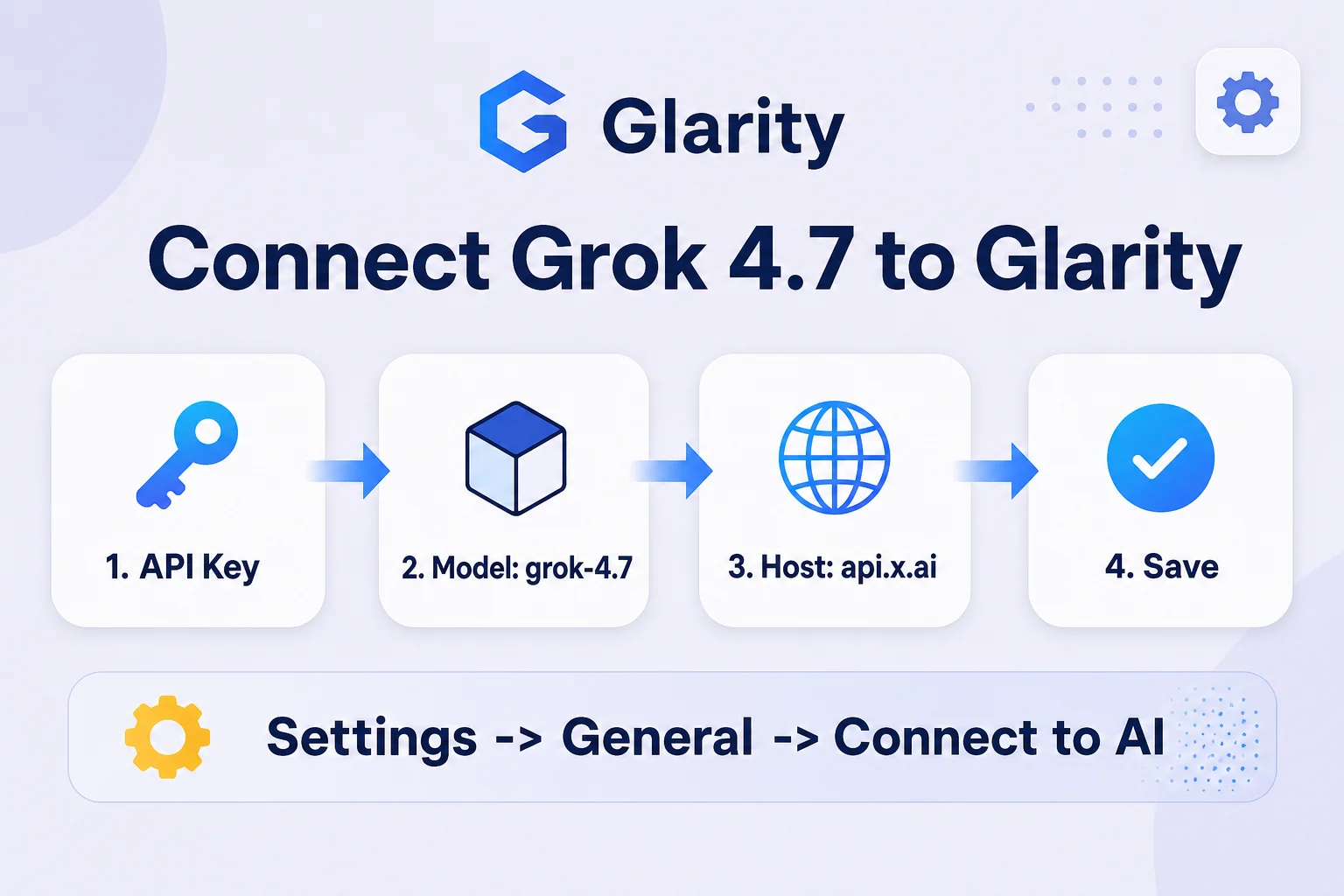
- Open the Glarity extension and go to Settings → General, then scroll to Connect to AI for quick Glarity summaries and translations.
- Set Connection type to OpenAI API key.
- Paste your Xiaomi key into API Key.
- Set Model to Custom Model and enter
mimo-v2.6-pro-ultraspeed. - Set Model Context Window to the preset nearest 1,000,000.
- Set API Host to
https://api.xiaomimimo.com/v1. - Set API Path to
/chat/completions. - Set Temperature to 0.5 for general use (0.2 for literal summaries), click Test, confirm a fast response, then Save.
Settings at a glance
Field | Value | Meaning |
|---|---|---|
Connection type | OpenAI API key | MiMo's API speaks the OpenAI chat-completions format |
API Key | your Xiaomi MiMo key | Issued from the MiMo console |
Model | Custom Model → | Official model ID (note the capital S in UltraSpeed) |
Model Context Window | ~1,000,000 | Same input limit as standard Pro |
API Host |
| Base URL from Xiaomi's API docs |
API Path |
| Standard OpenAI-compatible route |
Temperature | 0.5 (or 0.2) | Balance between natural phrasing and literal output |
Pricing
Per Xiaomi's official pricing page (updated September 22, 2026), overseas rates per 1M tokens are $0.036 for cached input, $4.35 for uncached input, and $8.70 for output — about ten times standard Pro's rate. Domestic pricing is ¥0.25 / ¥30 / ¥60 per 1M tokens. Xiaomi does not offer a batch tier for UltraSpeed. This is the model to reach for when speed matters more than cost — for routine, high-volume summarizing, MiMo-V2.6-Flash is the more economical choice.
What an UltraSpeed-powered Glarity can do
Capability | How it behaves now |
|---|---|
Translation | Near-real-time translation of page text or selections |
Page summary | Fast summaries for time-sensitive reading |
YouTube summary | Quick turnaround on video transcript summaries |
Video subtitles | Faster subtitle generation and translation, useful for live-ish workflows |
Quick email reply | Near-instant draft replies from selected text |
One-click prompts | Runs saved custom prompts against UltraSpeed instead of the default model |
Troubleshooting
- 401 / unauthorized error — your API key is invalid or wasn't saved; re-paste it and click Test again before Save.
- "Model not found" — check the exact ID
mimo-v2.6-pro-ultraspeed, including the capital S. - Costs higher than expected — UltraSpeed's per-token price is roughly 10x standard Pro; switch to Flash or Pro for high-volume, less time-sensitive tasks.
- Requests fail on very long input — the cap is 1M tokens in / 128K tokens out; trim input or split the page if you hit that ceiling.
- Glarity still uses the old model — settings only take effect after Test succeeds and you click Save.
FAQ
Is MiMo-V2.6-Pro-UltraSpeed officially supported by Glarity? No — Glarity doesn't list MiMo as a built-in option. This guide connects it through Glarity's generic Custom Model setting.
How much faster is UltraSpeed really? Xiaomi cites up to 20x faster output generation than standard Pro. That's an official ceiling, not a guaranteed figure for every request — actual speedup varies by prompt and load.
Why does it cost so much more than Flash or Pro? UltraSpeed trades cost for latency: at $4.35 per 1M uncached input tokens and $8.70 per 1M output tokens, it's roughly 10x standard Pro's rate and far above Flash's. Use it when speed genuinely matters, not for routine bulk summarizing.
Does it lose any capability compared to Pro? No — it keeps the same 1M-token context, multimodal input, deep thinking, tool calls, and other features. The difference is generation speed and price, not capability.
When should I use Flash instead? If you're summarizing many pages per day and latency isn't critical, MiMo-V2.6-Flash gives you the same context window at a fraction of UltraSpeed's cost.
By the Glarity Editorial Team. The Glarity Editorial Team writes about AI search, video summarization, and getting more from your browser.
Glarity is a free browser extension for AI search and YouTube summarization — try it at glarity.app.