Glarity is a free browser extension that summarizes and translates anything you read or watch online — YouTube videos, Google searches, web pages, PDFs, and emails — directly where the content lives. It is developed by Sparticle Inc., trusted by more than 1,000,000 users according to its official site, and available on five browsers: Chrome, Edge, Safari, Firefox, and Opera. This page collects the product's features and publicly stated numbers in one place, so you can see at a glance what it does before installing anything.
What Glarity does, scenario by scenario
Scenario | What you get |
|---|---|
YouTube | Video summaries in 12+ languages, timestamped highlights, auto-generated FAQs, subtitle generation and translation, and chat with the video's content |
Search | Summaries layered over search results, plus cross-language search that lets AI assess relevance across languages |
Web pages | A summary of any webpage, plus Q&A against the page content with custom prompts |
PDFs | Multi-language PDF summaries, chat with the document, and selection-based extraction and translation |
Translation | Side-by-side mirror translation showing original and translated text together, powered by four engines — LLM, DeepL, Google, and Microsoft |
Screenshots & images | Image translation, in-app screenshot capture, and asking AI about what's in an image, including math formulas |
Writing & email | Gmail reply assistance, webpage rewriting, and Twitter post drafting |
The design idea behind all seven rows is the same: you don't copy content into a separate chatbot — the summary, translation, or answer appears next to the original, in place.
The numbers
Everything below comes from Glarity's own official pages, checked in August 2026:
- 1,000,000+ users — the figure stated on the official website
- Version 4.46.7 — the current release on the Chrome Web Store listing, last updated July 12, 2026
- 12+ languages for YouTube video summaries
- 4 translation engines — LLM, DeepL, Google, Microsoft
- 5 browsers — Chrome, Edge, Safari, Firefox, Opera
- 10+ AI models with a 200k context window in Glarity AI Chat, plus unlimited image generation, per the official site
- $0 — the core extension is free and shows no ads; the source code is public on the company's GitHub repository
What changed recently
Per the Chrome Web Store listing's release notes, recent updates include:
- DeepL added as a translation engine — you can now switch between LLM, DeepL, Google, and Microsoft engines
- View and copy YouTube's native captions — useful as a transcript before summarizing
- A smoother experience when summarizing via the ChatGPT site while disconnected
- Quick-translate gestures — translate by hovering and pressing a shortcut key, double-clicking, long-pressing, or using multi-finger touch taps
The quick-translate additions are worth a second look: they turn translation from an action you set up into a reflex — hover, trigger, read the side-by-side result in place.
Free, ad-free, and open source — with the fine print
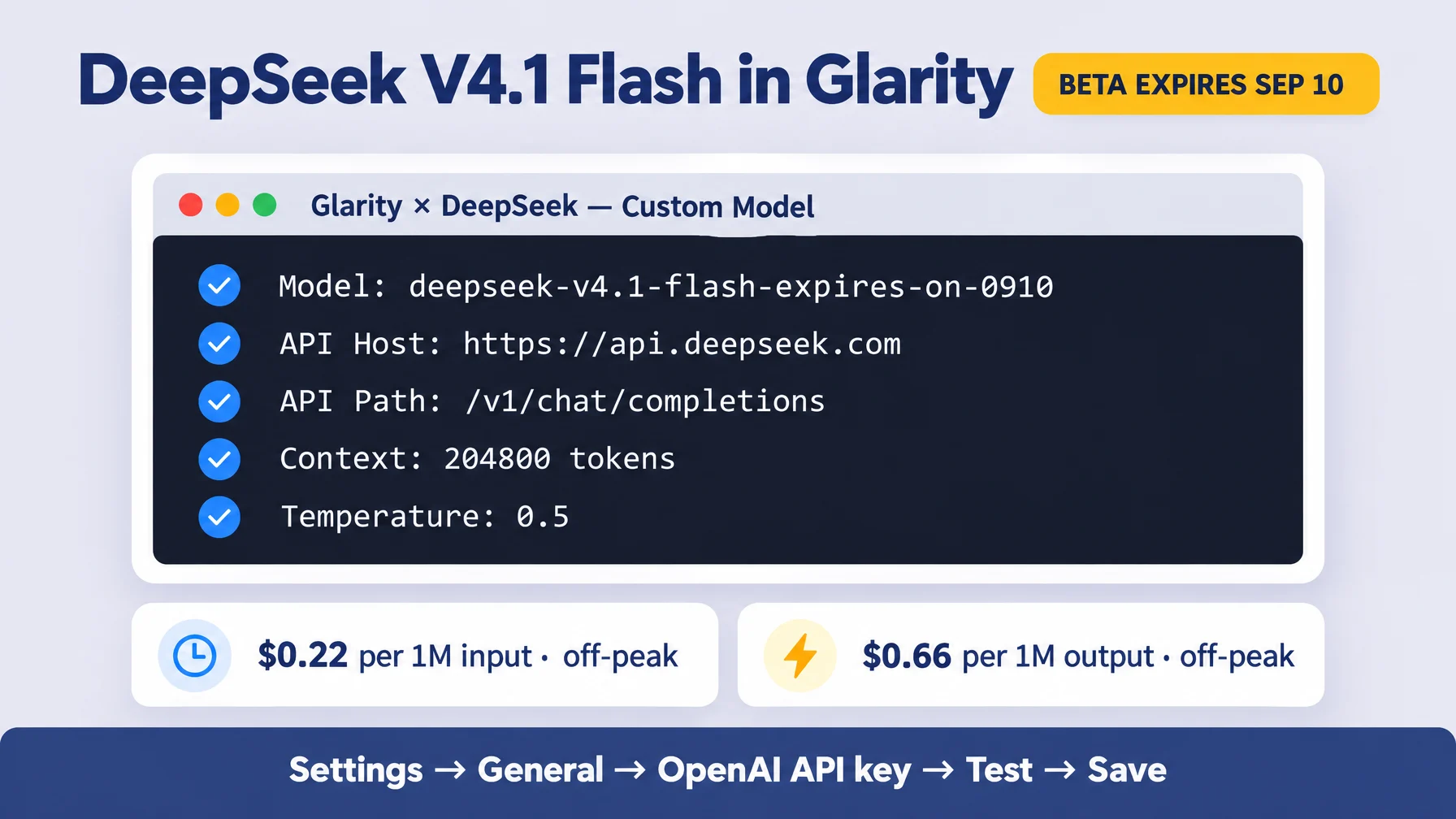
The extension itself is completely free and displays no ads. Two modes can cost money, and only through the provider you choose: if you use Glarity mode or your own OpenAI key mode, the service provider charges based on token usage. Since version V3.38, a built-in Glarity mode works without any ChatGPT or OpenAI account, which covers most people reading this.
On privacy, the store listing states that data stays in your browser, no ads are shown, and no data is sold; anonymous usage statistics are collected to catch bugs. If you want to inspect rather than trust, the source code is public on GitHub.
Where to go deeper
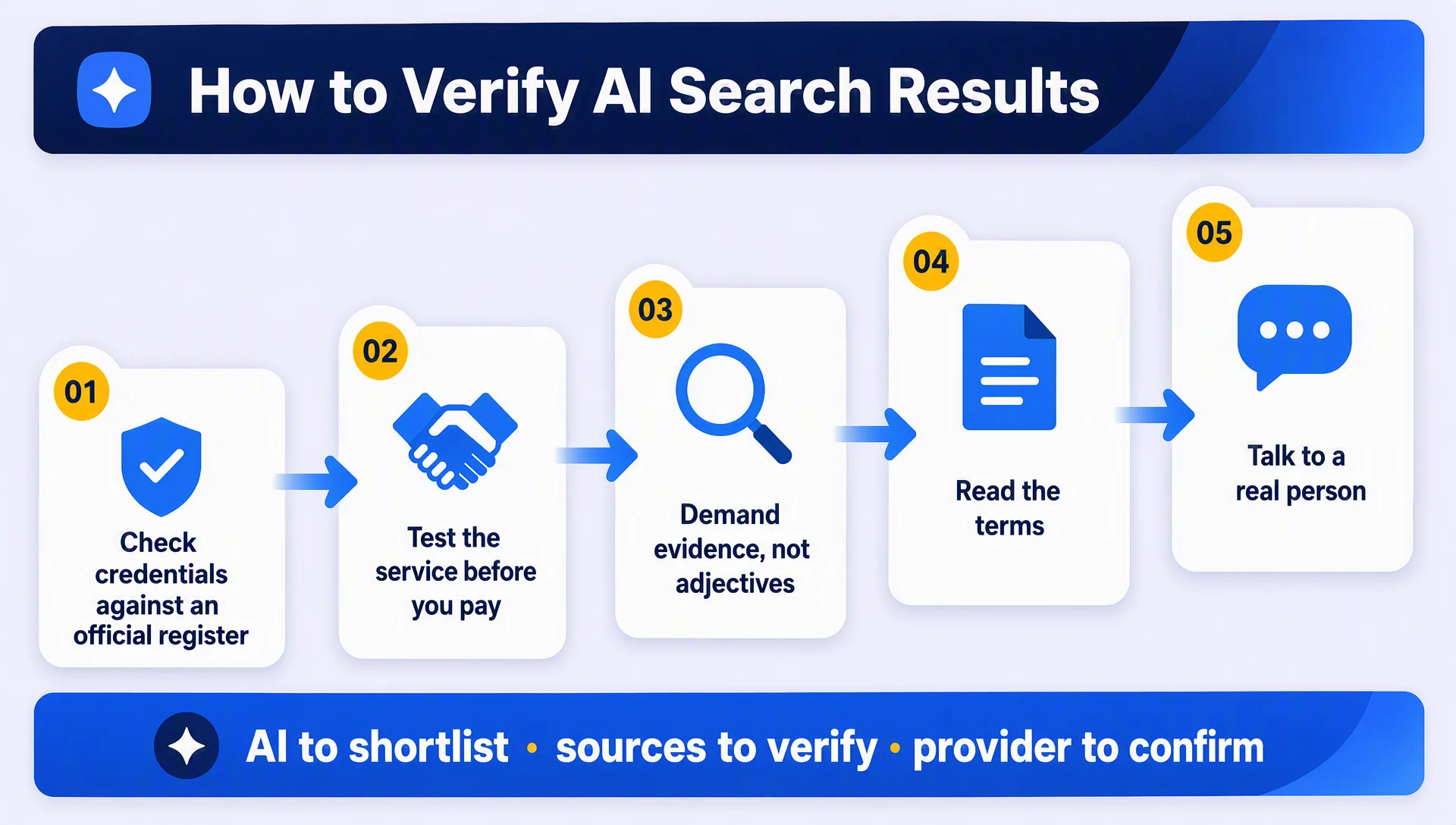
If you want the mechanics behind AI-generated answers — why different engines give different results, and how to verify them — we covered that in how AI search engines rank and choose answers.
FAQ
Is Glarity free?
Yes. The extension is free and ad-free. Costs only arise if you pick a mode billed by a provider (Glarity mode or OpenAI key mode), charged by token usage; many features work without any account at all.
Which browsers does Glarity support?
Chrome, Edge, Safari, Firefox, and Opera — installers for all five are on the official site.
Do I need a ChatGPT or OpenAI account?
No. Since version V3.38, Glarity mode provides Google/YouTube summaries without a ChatGPT/OpenAI account. If you have one, you can still switch to ChatGPT mode or your own OpenAI key.
How do I summarize a YouTube video?
Install and pin the extension, open the video, and run Generate Summary. You get highlights with timestamps, FAQs, subtitles, and can chat with the video about any part of it.
What languages does Glarity work in?
Video summaries are generated in 12+ languages; summaries and translations are cross-language throughout, so you can read content written in a language you don't speak.
The Glarity Editorial Team writes about AI search, video summarization, and getting more from your browser.
Glarity is a free browser extension for AI search and YouTube summarization — try it at glarity.app.