Having access to multiple AI models is only useful if you know which one to reach for. Glarity's AI Chat bundles ChatGPT, Claude, Gemini, and other leading models behind a single interface with a large context window, so you can switch models without switching tools.
A rough guide
- Long documents or codebases — favor a model with a large context window so it can hold the whole thing in view.
- Careful, structured writing — Claude models tend to follow detailed instructions and formatting closely.
- Fast factual lookups — a lighter, faster model is often enough and returns answers quicker.
- Creative brainstorming — try more than one model on the same prompt; the differences in tone and ideas are often the most useful part.
Bring your own key, or don't
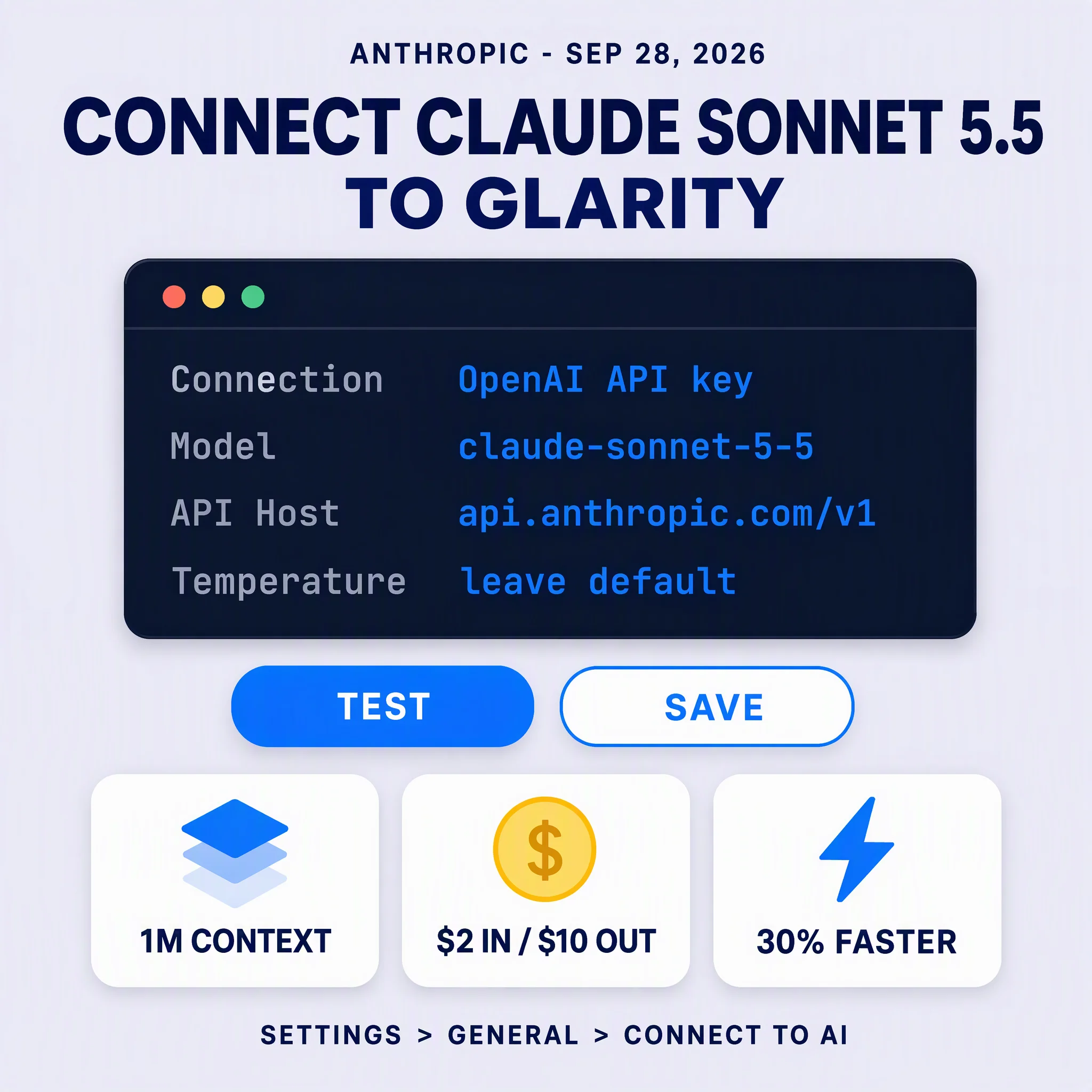
If you already pay for a ChatGPT or OpenAI account, Glarity can use your own API key. If not, Glarity's built-in access covers the same models without extra setup.
It's the same chat everywhere
Because AI Chat lives in the extension, the conversation carries the context of whatever page, video, or PDF you had open, so you're not re-explaining what you're looking at every time you switch models.